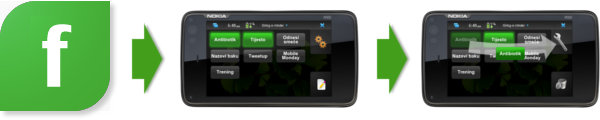
Last month Nokia launched the improved version of the Flowella prototyping tool. The changes are not big, but are important. They can be grouped like this:
- Bug fixes
- New transition triggers
- Export to Qt Quick
Bug fixes
A developer/designer tool can have all the features in the world, but if you can’t save and later continue your hard work the tool will be discarded very soon. Earlier version of Flowella sometimes had trouble saving your current progress. The workflow could be messed up after loading or the connections between frames could be lost - very frustrating. The new version doesn’t have any of those problems. Saving, loading and exporting works as expected.
New transition triggers
The old way to go to the next screen was to click on the specified area. Although this was sufficient for basic testing, it doesn’t really reflect the way people use mobile phones. New Flowella adds more triggers.
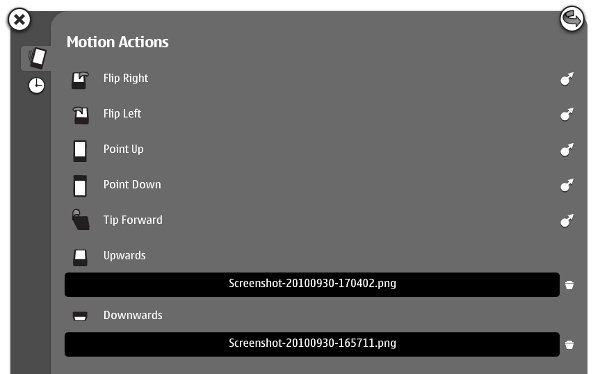
The first new triggers is accelerometer. The prototype can now respond to multiple motions. Just drag the arrow on the right side to the target screen.
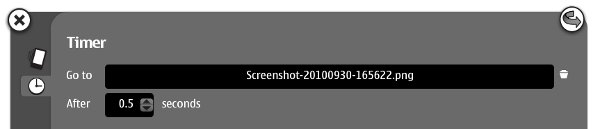
The second new trigger. It is great for rudimentary animation and non-interruptible actions (updating, authorizing, etc).
Export to Qt Quick
 Beside exporting to WRT and Flash Lite, you can now export to Qt Quick. Qt Quick is the new feature of Qt 4.7 and it allows you to create UI layout and behavior by using a language based on JavaScript. No C++, at least for the not-too-complicated stuff. If you’re familiar with web technologies, you’ll get around very quickly.
Here is the sample of the QML code generated by Flowella for one of the screens. It looks almost the same as the JavaScript object literal.
import Qt 4.7

Item {
   property string jumpToNode: ""
   signal jumpTo
   id: node
   focus: true
   Image {
      source: "Screenshot-20100930-165711.png"
   }
   Timer {
      id: timerTrigger
      interval: 500 /* Note: intervals must be > 0 for the timer to work */
      running: true
      repeat: false
      onTriggered: {
         jumpToNode = "3E579516-E275-5DF8-9AFE-99E9A6FC66B9.qml"
         node.jumpTo()
      }
   }
}
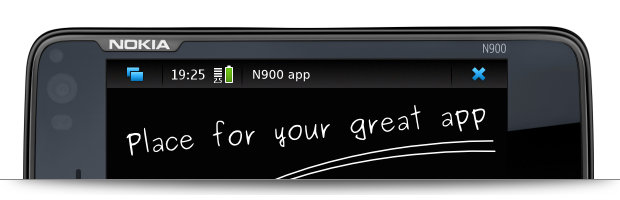
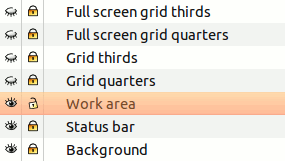 The frame was created in Inkscape, but you can easily import it in some other vector drawing program (AI, CorelDRAW) or use raster graphics in the bundle (N900 hardware and status bar pictures) in Photoshop or GIMP. All the sizes are pixel perfect so you can use it to create quick mock-ups or the final design.
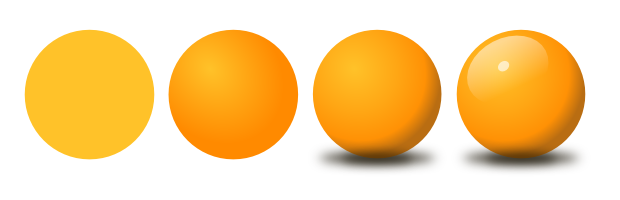 In the